
A Comprehensive Guide to Creating Webtoons in Clip Studio Paint
Learn how to streamline your webtoon production process using Clip Studio Paint's specialized tools and organizational features. This guide covers everything from workspace customization to script planning and canvas setup.
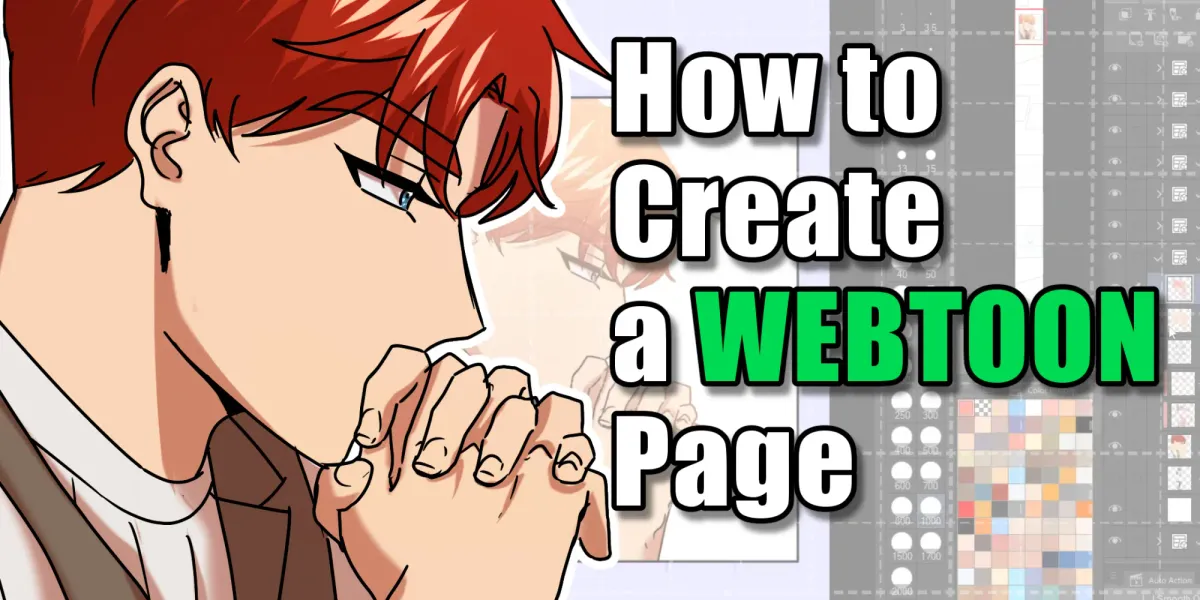
Optimizing Your Digital Workspace
To maximize efficiency, customize your Clip Studio Paint interface by selecting the Comic workspace and rearranging panels to suit your personal workflow. Once your tools are positioned for quick access, save your layout to ensure a consistent drawing environment for every session. ## Planning and Canvas Setup Begin your project by selecting the Webtoon preset, opting for a high-resolution canvas to maintain quality for potential future prints. Before drawing, establish a solid foundation by writing a structured script and creating character reference sheets to keep your visual designs consistent throughout the story.
![iPad for Drawing: How to Choose the Best Model [2026]](https://img.comicstation.store/news/2026/10/guide_54ef7a5fcd72-thumb.webp)