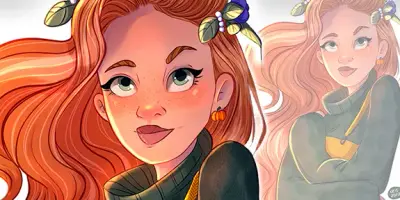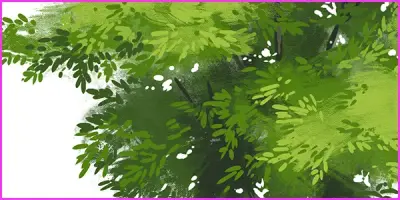

How to draw your own digital Mona Lisa
This guide provides a step-by-step workflow for creating a digital portrait using Clip Studio Paint. It covers everything from initial sketching and flat coloring to advanced background techniques and final decorative touches.
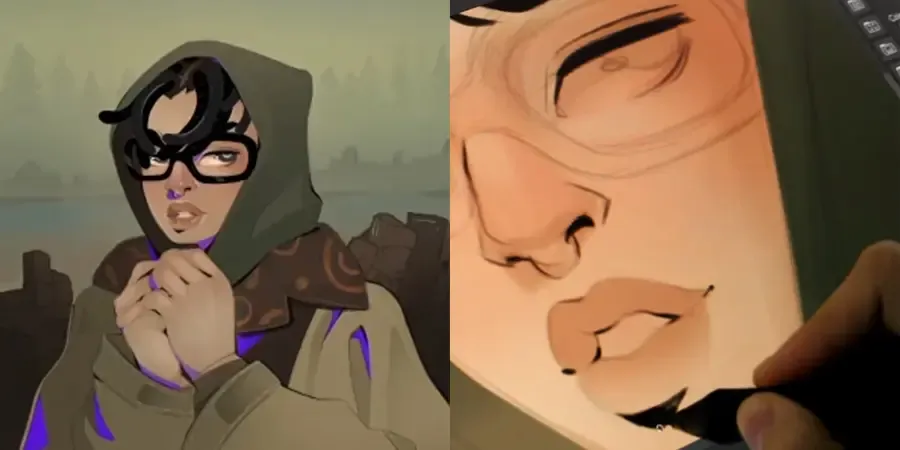
Digital Portrait Workflow
Begin by creating a rough sketch to establish proportions before refining the details on a new layer and cleaning up unnecessary lines. Apply base colors on separate layers using a mix of flat and watercolor brushes to maintain control over shadows and highlights. Enhance your lineart by varying stroke thickness to create a natural, vivid appearance before refining character details like hair and eyes. Finally, construct a depth-rich background by using blurred color palettes and decorative assets placed behind your subject to complete the composition.