Painting digital illustrations for Instagram
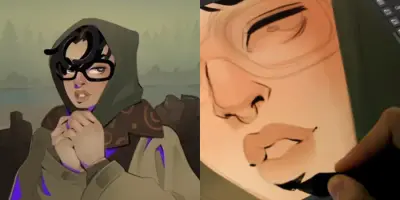
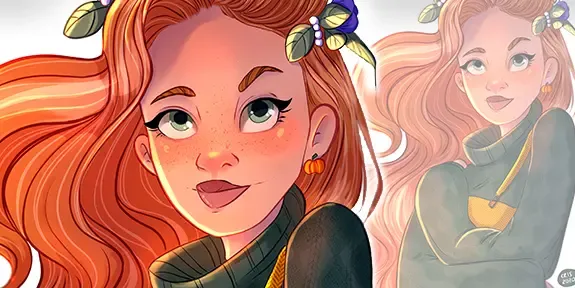
This guide covers the professional workflow for creating digital illustrations optimized for Instagram, from initial canvas setup to final rendering. It explores essential techniques including brush selection, layer management, and the use of blending modes for lighting and shadows.
Preparing Your
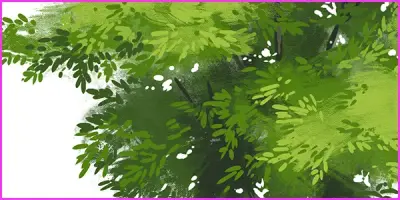
Canvas and Sketch Start by setting your canvas to 4000x4000 pixels at 300dpi to ensure high-quality prints, while utilizing textured brushes to mimic the feel of traditional pencil sketching. Use transformation tools like mesh warping and horizontal flipping to refine your proportions and maintain a fresh perspective on your composition. ## Coloring and Layering Techniques Organize your workflow by using separate layers for each element and establishing a cohesive color palette before applying base colors with the fill tool. Enhance your work by applying shadows and textures with soft watercolor brushes, then use blending modes like Multiply to create depth and realistic lighting effects without losing control over your gradients.