Creating Comic Sound Effects in Procreate
This guide demonstrates how to design professional-grade comic book sound effects using Procreate's typography tools and distortion features. It focuses on transforming standard fonts into dynamic visual elements.
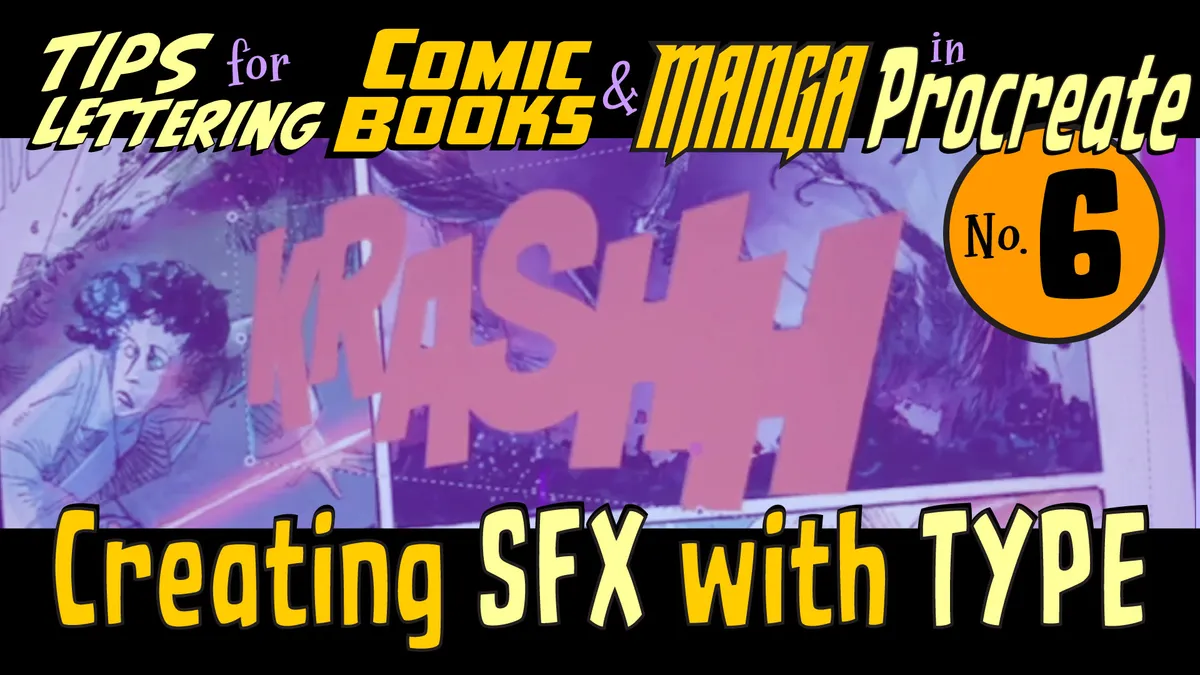
Mastering Type Effects
To craft authentic sound effects, begin by placing your chosen font into your Procreate canvas. Utilize the Distort tool to warp the text, giving it a sense of motion and impact that matches the action in your panel. Adjust the perspective and curvature to ensure the lettering feels integrated into the scene's environment. Finally, apply layer styles or manual shading to enhance the depth and intensity of your custom sound effect.