Mastering Procreate Effects for Comic Lettering
This guide explores efficient techniques for applying outlines, drop shadows, and blending modes to comic sound effects using Procreate. It provides a streamlined workflow for enhancing visual impact in digital lettering.
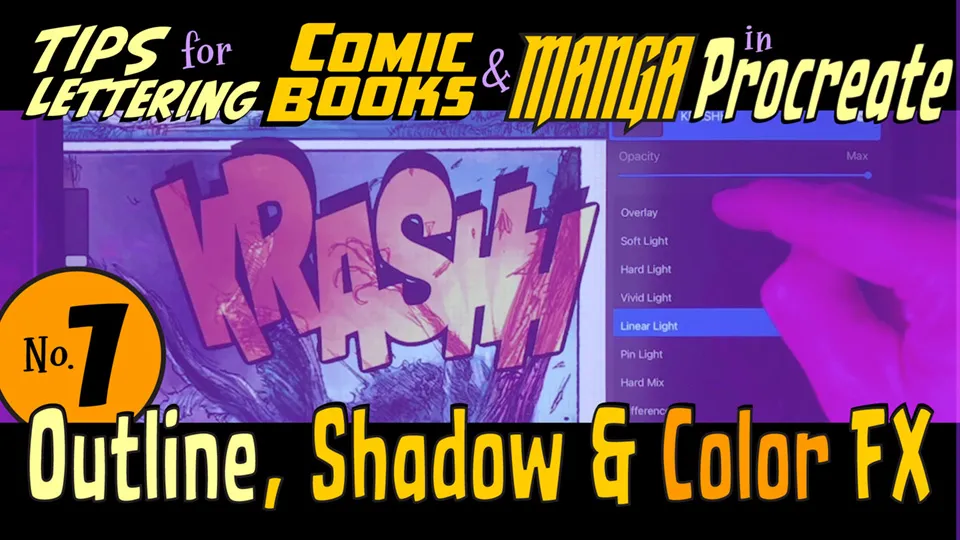
Enhancing Sound Effects
To create professional-looking sound effects, apply a consistent outline stroke to your text layers to ensure they pop against complex backgrounds. You can further define your lettering by adding a drop shadow, which provides necessary depth and separation from the page art. Experimenting with layer transparency modes allows you to blend colors and textures seamlessly for more dynamic visual results. These simple adjustments significantly improve the readability and aesthetic quality of your digital comic panels.