Creating Hand-Drawn Sound Effects in Procreate
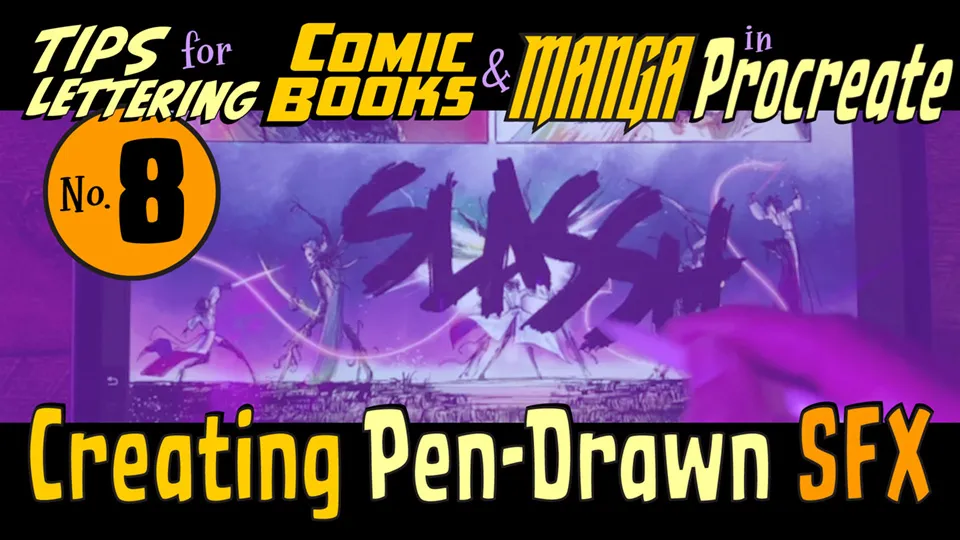
This guide demonstrates how to illustrate and color realistic comic book sound effects using the Procreate app on an iPad. It focuses on achieving an authentic, pen-drawn aesthetic for digital lettering.
Crafting Digital Sound Effects
To create authentic sound effects in Procreate, focus on mimicking traditional pen-and-ink textures through custom brush settings and layering techniques. Start by sketching your letterforms with a high-contrast brush to establish a bold, dynamic silhouette that pops off the page. Once the shapes are finalized, apply color fills and subtle gradients to add depth and impact to your visual effects. Finally, use blending modes and layer masks to integrate the sound effects seamlessly into your comic panels.