Creating Flat-Edged Evil Balloons in Procreate
This guide demonstrates how to design and color stylized, sharp-edged speech bubbles for villainous characters using Procreate. It covers specific techniques for crafting the balloon shape and various tail configurations.
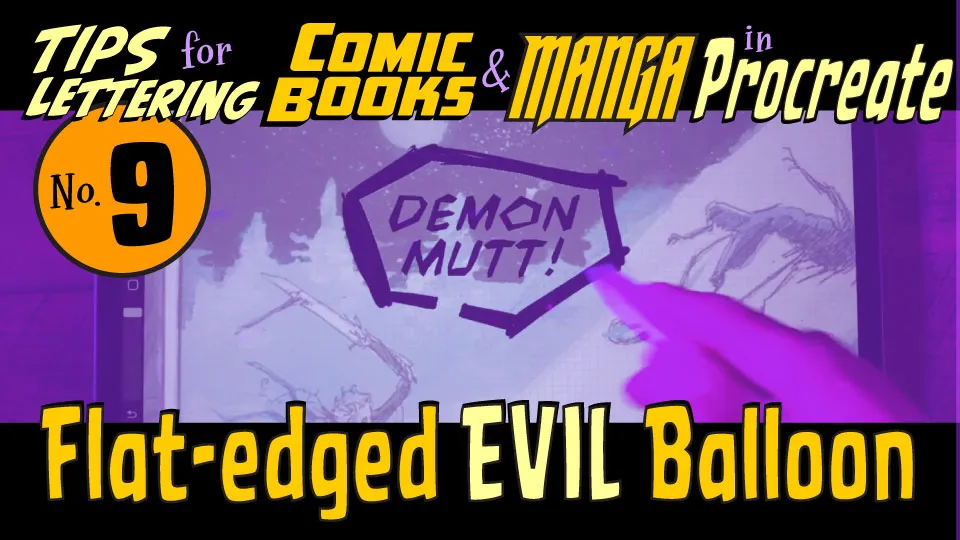
Designing Sharp Speech Bubbles
To create an 'evil' balloon, focus on using flat edges and angular geometry rather than traditional rounded shapes. Utilize Procreate's brush tools to define these sharp contours while maintaining consistent line weight for a professional look. Experiment with different tail styles to emphasize the aggressive tone of the dialogue. Finally, apply flat colors to ensure the balloon stands out clearly against your artwork.